Why timing and method matter more than most travelers expect
Most people first hear about eSIM activation right before a trip, which is the worst time to learn how it works. A traveler at baggage claim in Lisbon who needs airport Wi-Fi to scan a QR code is not in a great mood to read fine print about plan validity. The mechanics are simple once you separate them from the marketing.
Travel is now the main reason people try eSIMs at all. Kaleido Intelligence observed a 30% activation rate in eSIM-capable devices in 2024 and expects that to climb to 75% by 2030. Counterpoint Research separately projects over 9 billion eSIM-capable devices to ship by 2030. The point: this is becoming the default way to get online abroad, so it's worth knowing how the eSIM activation step actually behaves.
What eSIM activation actually means
There are three things people lump together that are different. Buying a plan is a payment. Installing the profile is downloading carrier credentials onto the embedded chip in your phone. eSIM activation is the moment the carrier's network accepts those credentials and lets your line carry data or phone service.
With a physical SIM, those steps collapse into one motion. You push the tray in, and the phone reads the card so you're on the network. As Forbes contributor Marc Weber Tobias explains, with eSIM the carrier "will issue a card with a QR code, or will text or email one to the subscriber. The code is scanned by the phone to activate service." The card is gone, but a handshake still has to happen between your phone and the carrier's server.
That handshake is what we mean by eSIM activation. It's the difference between a profile that sits dormant on your device and a profile that's live and counting toward your plan. Everything else in this article hangs on that distinction.
When travelers should activate an eSIM
Here's where confusion peaks. Some plans start counting validity the second you activate. Others wait until your phone first connects to a network in the destination country. A 7-day plan that starts on activation behaves differently from a 7-day plan that starts on first use, and the wrong assumption can burn a third of your data allowance before you've left home.
Read the provider's activation policy before you buy. That's a more useful rule than "always activate before you fly" or "always wait until you land," because neither is universally right. The policy is one or two lines in the plan description or the confirmation email. If you can't find it, ask support before purchase.
Activating before you travel
Doing the setup at home has obvious comfort. You have stable Wi-Fi and your laptop with the QR code on screen, so you aren't troubleshooting in a foreign airport with 4% battery. You can test that the profile installed correctly and label the line so you don't confuse it with your home carrier later.
The catch is that some plans treat the install moment as the start of validity. If your provider's clock starts ticking on activation rather than on first network connection, doing this three days before departure means losing three days of plan time.
Activate-at-home makes sense when:
-
The provider explicitly says validity starts on first use in the destination country
-
You're on a longer plan where a day of overlap doesn't matter
-
You want to keep your home line active and just need the travel line installed and ready
Activating after arrival
Waiting until you land suits short trips and plans with fixed-day validity. A 5-day Japan plan loses real value if you activate it from your kitchen the night before. When you land first and connect to airport Wi-Fi, you can finish the eSIM activation at the gate and keep your plan window aligned with the trip.
The risk is that you depend on conditions outside your control. Airport Wi-Fi can be slow or locked behind a paywall. Some QR codes expire if not used within a window the provider sets. And a few iPhone models still require a Wi-Fi connection at the moment of install, as TechCrunch notes about U.S. iPhones, though eSIM-only iPhones sold in the U.S. can activate without one. Plan for the worst case by saving the install instructions to your phone before you fly.
How the eSIM QR code fits in
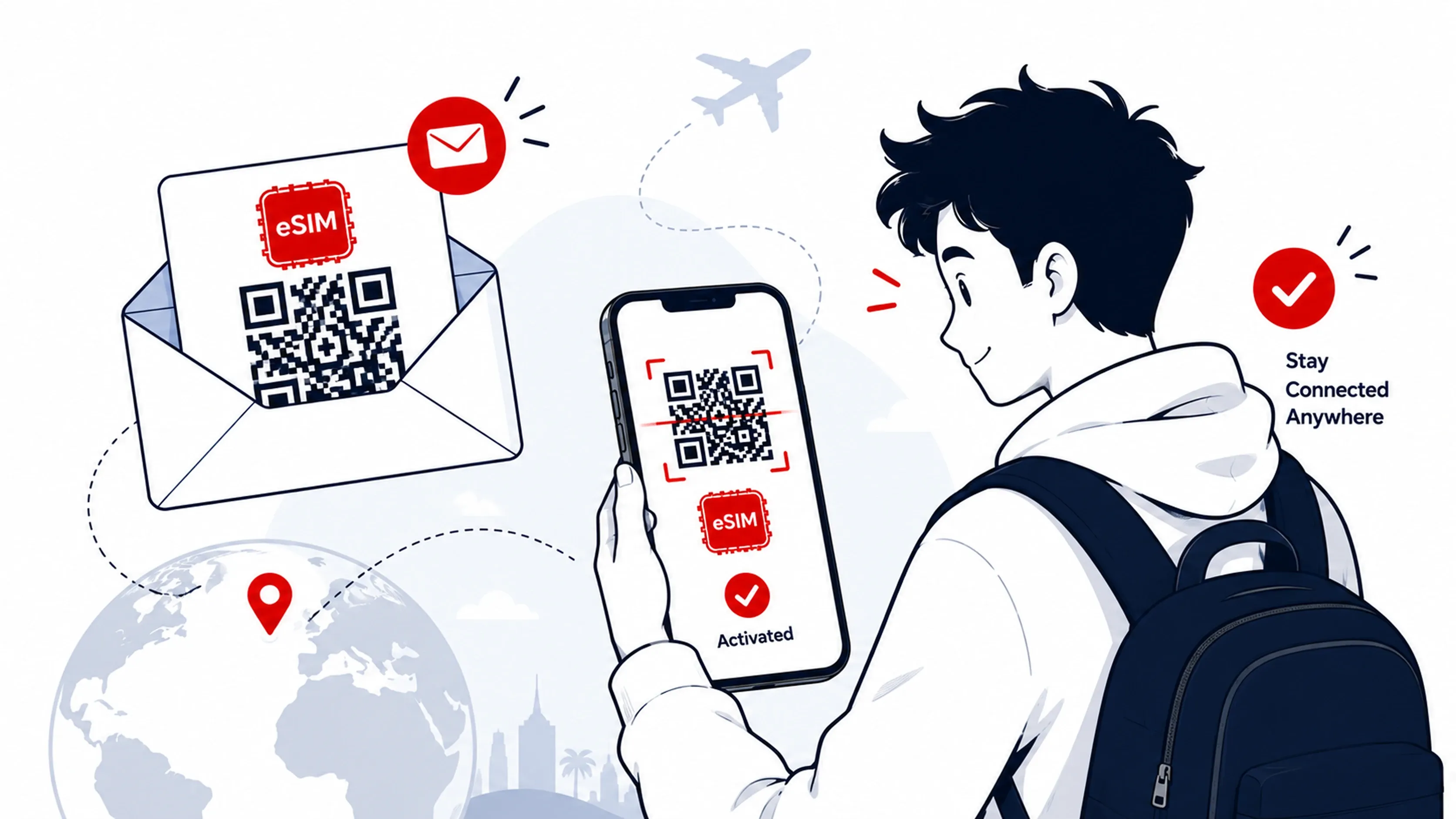
After you pay, the provider sends you an esim qr code by email or shows it in their app. That image encodes the activation code, which itself contains the SM-DP+ server address and a matching ID that tells the carrier's server which profile belongs to you. Telnyx breaks it down clearly: the activation code combines the SM-DP+ address and the matching ID, and the QR code is the delivery mechanism.
When you scan the esim qr code, your phone contacts that server and downloads the profile for storage. On most devices, that download is the install step, and a separate confirmation enables the line. Other providers package install and activation together so the line goes live as soon as the profile lands. Read the screen prompts during set up esim flow to know which one you're dealing with.
QR is not the only path. If you can't scan, you can enter the SM-DP+ address and activation code by hand. Some providers skip QR entirely and use an in-app install, which is common for app-first brands like Saily, whose eSIM app reached a seven-digit user base within months of its March 2024 launch. GSMA's newer eSIM Discovery system removes the QR step entirely on supported devices by matching the device's eUICC identifier to your purchased profile in the background.
Steps to set up esim on your phone
The exact menu names differ by model and operating system, but the shape of the flow is the same everywhere. To set up esim on your phone, you'll follow this general flow:
-
Open Settings and find the cellular or mobile data section
-
Choose "Add eSIM" or "Add cellular plan"
-
Scan the esim qr code from your provider, or pick manual entry and paste the SM-DP+ address
-
Wait for the profile to download, then label the line something obvious like "Japan" or "Travel"
-
Choose which line handles data and keep your home line on for calls and texts if you want to stay reachable
That last step matters. Travelers who switch their home line off lose SMS for two-factor authentication, which is how a lot of banks still confirm logins. Keep the home line enabled for calls and texts while the travel eSIM handles cellular data, and turn off data roaming on the home line so it doesn't quietly rack up charges. To set up esim correctly, follow the provider's own instructions, because Samsung's menu names aren't Apple's and Google's aren't either.
If you're on an iPhone 17 Air or a recent U.S. model, you don't have a physical tray to fall back on. Apple made the iPhone 17 Air eSIM-only worldwide, and the U.S. went eSIM-only on iPhones starting in 2022. For these devices, eSIM activation is the only way to get a line at all.
What happens right after activation
Once the profile is live, your status bar shows the carrier name and a data indicator next to the signal bars. On dual-line phones you'll see both your home line and the travel line listed, with separate signal strengths. If you've set the travel eSIM as your data line, apps and web traffic route through it.
Expect a delay. Network registration can take a few minutes after landing in a new country, because your phone is searching for partner networks and the carrier is checking your profile against its roster. A quick airplane mode toggle nudges the handshake along. Five minutes of nothing is normal. Twenty minutes is when you start troubleshooting.
Data usage starts the moment the line connects, which is why plan timing matters. If your plan is a fixed-day product that started counting at first use, the clock is now running. Background apps don't care that you just landed and you're still in passport control. They'll start syncing, so if you're on a small data allowance, mute the heavy ones before activation.
Common activation problems and fixes
Most issues come from a small set of causes, and most have a fix you can run yourself in under two minutes:
-
QR code won't scan: brightness up on the source screen, clean the camera lens, or use manual entry with the SM-DP+ address from the provider's email
-
Profile installed but no signal: toggle airplane mode and restart the phone, then check that data roaming is enabled on the travel line (yes, even with an eSIM)
-
eSIM shows as inactive: confirm it's selected as the cellular data line in settings rather than only installed alongside your home line
-
"Cannot add cellular plan" error: the QR code has already been used or has expired, in which case the provider needs to reissue it
-
Slow data or constant dropouts: switch the line's network mode to LTE only or 5G auto based on local coverage, and check whether the provider has a preferred partner network in that country
If none of those work, contact your provider with the order number and the device model. Good travel eSIM providers resolve these from chat within minutes because they handle the same five questions every day. The order details are what they need to reissue a code or push the profile from their end.
Final tips before your trip
A few habits make eSIM activation feel routine instead of stressful. Save the QR code image and the provider's instructions offline, so you can install even if airport Wi-Fi fails. Screenshot the SM-DP+ address and activation code as a backup, because that text lets you set up esim manually if the QR refuses to scan. Know your plan's start rules before you board.
Test the connection at home if your provider allows install-before-travel without starting the clock. A two-minute test on your sofa beats a forty-minute debug session in a taxi. And keep one screenshot of your provider's support contact saved to your photo roll, because the moment you need it is the moment you have no signal to look it up.
At RedDogFish, we build travel eSIM plans with activation rules written in plain language so you know exactly when the clock starts before you buy. If you want a plan whose eSIM activation policy matches the way you actually travel, browse our destination eSIM plans and pick one that fits your trip length.