Why data runs out faster abroad
You plan a trip, buy your data, and feel ready. Then day three arrives and your balance is gasping for air. Travel turns your phone into a workhorse, and an eSIM top up option becomes the thing standing between you and a very quiet, very offline afternoon. Maps stay open for hours, ride-hailing apps refresh constantly, and translation tools chew through data every time you point your camera at a menu.
Uploading photos is the silent culprit. One traveler reported on Forbes that just 650MB of a 2GB month went to a single app without them noticing. At home you live on WiFi half the day. Abroad, that safety net vanishes, and your phone leans on cellular data for everything.
Running dry at the wrong moment costs more than convenience. Picture losing navigation in an unfamiliar city or being unable to call a driver after a late flight. That's why managing data during the trip matters as much as picking a plan before you leave, and it's the whole point of what follows.
How an eSIM top up works
An eSIM top up is the act of adding more data to a profile you already have on your phone. Nothing physical changes hands. There's no card to pop out and no tiny tray to fish open with a paperclip, so you have no SIM to lose in a hostel bunk. You open an app or your account, choose how much data you want, pay, and the data lands on your existing line.
This is where a top up differs from a one-time fixed plan. A fixed plan gives you a set amount and stops when it's gone. A top up lets you add more eSIM data to the same active setup whenever you need it, so your number and configuration stay put. The whole process runs from your phone, which means you can do it standing in a train station or sitting at a café.
eSIM technology has spread fast enough to make this routine. Analytics firm Counterpoint found that 41% of devices launched in the U.S. in 2024 had eSIM capabilities. As more phones support it, topping up has become a normal part of travel rather than a technical chore.
Top up vs new plan
The difference between an eSIM top up and a new plan is mostly about what stays the same. A data top up extends what you already have. Your current line keeps running, your validity window holds, and the extra data simply adds to the pile. You don't reinstall anything or scan a new code.
A new plan is a fresh start. It can reset your settings, give you a different validity period, and sometimes require a new profile on your phone. For in-trip situations where you need more breathing room, the top up is the simpler move. You touch nothing that's already working.
Checking your remaining data
Every smart top up decision starts with knowing your balance. On an iPhone, go to Settings, then Cellular, and scroll to Data Usage. On Android, open Settings and find the Data Usage section, where you can see how much each app consumes. Most eSIM apps also show your remaining data right on the home screen.
Keeping an eye on that number is the single habit that drives everything else in this guide. On heavy-use days, check it more than once. Set a low-balance alert if your app offers one, because a quick notification beats discovering you're empty when you need maps the most.
When to add more eSIM data
Timing is the heart of this guide. The goal is to add more eSIM data while you still have a working balance. The triggers are clear. Before a long travel day, add data because maps and booking apps will run for hours. Top up when your balance drops below a comfortable buffer. And do it the moment your trip extends, because plans change more often than itineraries admit.
Think about a recognizable scenario from real travel. You land, your flight was delayed, and you need a ride at midnight. That's the worst time to learn your data ran out. Acting earlier in the day, while you still had WiFi at the airport, would have spared you the panic.
Here are the clearest triggers for a top up:
-
Your balance falls to the last day or the last slice of data
-
A long travel or sightseeing day is coming and you'll rely on navigation
-
Your trip gets longer or you'll need far more data than usual
Topping up before you run out
Add data while you still have a small buffer left. This is a practical safeguard. A dead balance can make it harder to complete the top up itself, because the purchase needs a connection to go through. If you wait until you're at zero with no WiFi nearby, you're stuck trying to buy data with no data.
Top up when you're down to your last day of validity or the final portion of your allowance. That cushion gives you room to finish the data top up without scrambling. Treat the last 10% as your signal, not your cliff edge.
When a new plan makes sense
Sometimes a new plan beats a small top up. If your trip extends by weeks rather than days, a fresh plan can work out cheaper than stacking add-ons. The same goes for crossing into a new country your current eSIM doesn't cover, or needing far more data than a top up offers.
Weigh cost against convenience. A quick eSIM top up wins when you need a little more and want zero hassle. A new plan wins when the math favors a bigger commitment or your destination changes entirely. Both are in-trip decisions, so judge them by where you are now, not by what you guessed before departure.
How to top up while traveling
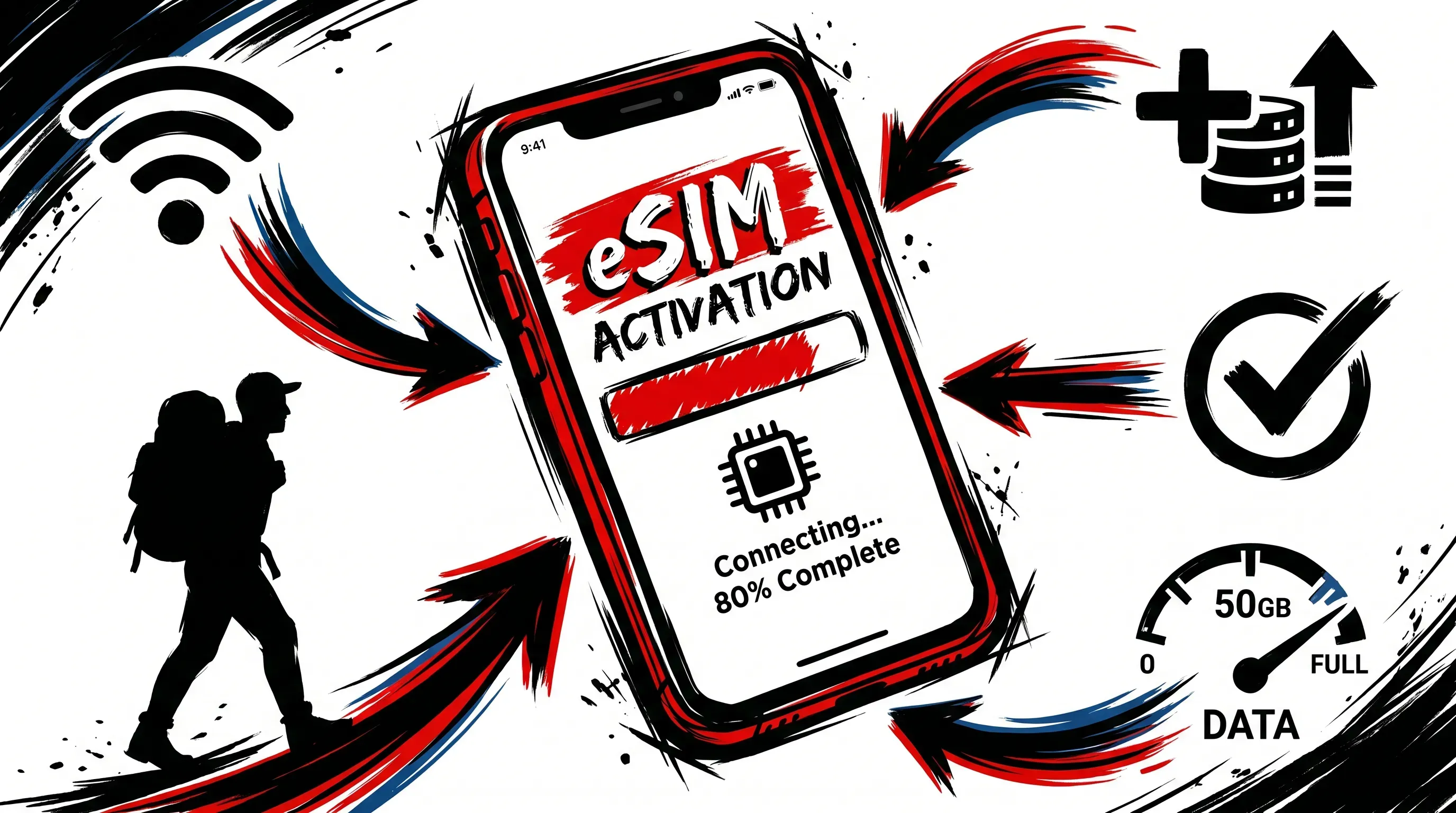
Doing a data top up on the move is straightforward once you know the order. The only real requirement is a connection long enough to confirm the purchase, which WiFi or a small remaining balance can both provide.
Follow these steps:
-
Get online. Café WiFi, hotel WiFi, or whatever data you have left will do.
-
Open your eSIM app or account.
-
Select the add-on or the option to add more eSIM data to your current line.
-
Confirm and pay.
-
Wait for activation, which usually takes a moment, and check that your balance updated.
That's the entire process. No new QR code to scan, no reinstalling a profile. If you're somewhere with patchy signal, grab WiFi first so the payment clears cleanly. Once the confirmation lands, your line keeps working as if nothing happened, which is exactly the point.
Avoiding common top up mistakes
Most top up regrets come from repeat mistakes. Waiting too long causes the first problem. People assume they'll find WiFi to complete the purchase, then can't, and end up offline at the moment they needed connectivity most. The earlier section on buffers exists precisely to keep you out of this trap.
Validity dates create another problem. A data top up that expires before your trip ends is money down the drain. Check how long your added data lasts, not just how much you're getting. Overbuying for a short remaining stay also causes regret, like loading 10GB when you've got two days left and a hotel full of WiFi.
Quick fixes for each:
-
Top up while you still have a buffer, never at zero
-
Match the validity window to your remaining days
-
Size your add-on to the trip you have left, not the trip you wish you had
These habits matter because travel eSIM spending adds up. One leading travel eSIM provider reported $200 million in revenue for 2024, which tells you how much travelers are pouring into connectivity. A few smart choices keep more of that money in your pocket.
Staying in control with RedDogFish
Managing data abroad comes down to one thing: control. You want to add more eSIM data only when you need it and stay free from poorly fitting packages. With RedDogFish, you pick your destination, set the days with a slider, set the data with a slider, pay, and get your eSIM by email to scan and install. When you need a data top up later, you adjust on demand without commitment.
Flexible bundles remove the guesswork, and your bill is clear before you travel. Build the plan that matches your trip, then keep your connection alive with an easy eSIM top up whenever the road gets longer. Build your own RedDogFish plan and travel with data that bends to your trip, not the other way around.