

eSIM Not Working? Causes, Common Issues, and Quick Fixes — RedDogFish
Is your eSIM not working on iPhone or Android? In 90% of cases, issues can be fixed in minutes. Common causes and step-by-step solutions are explained here.
30 January 2026
5-min read
Apple was one of the first major brands to push eSIM into the mainstream. Today, for millions of travelers, Apple eSIM isn’t a feature — it’s the default way to stay connected abroad.
But compatibility still causes confusion:
Which iPhones support eSIM?
Do iPads work with eSIM?
Is eSIM available on all Apple devices?
What changes with eSIM-only iPhones?
Let’s break it down clearly — and show how RedDogFish eSIM fits perfectly into the Apple ecosystem.
An Apple eSIM is a built-in digital SIM that replaces (or complements) a physical SIM card. Instead of inserting plastic, you download a mobile plan digitally and activate it in seconds.
With eSIM on Apple devices, you can:
Use two lines at the same time (home SIM + travel eSIM)
Switch data plans without changing SIM cards
Stay connected internationally without roaming fees
For travelers, it’s a game-changer.
Apple introduced eSIM support starting with the iPhone XS generation. All newer iPhones support eSIM — and some models are eSIM-only.
iPhones with eSIM Support
iPhone XS / XS Max
iPhone XR
iPhone 11 / 11 Pro / 11 Pro Max
iPhone SE (2nd generation and newer)
iPhone 12 series
iPhone 13 series
iPhone 14 series
iPhone 15 series
iPhone 16 series
iPhone 17 series
Important: In many countries — including markets like the United States — newer iPhone models are released as eSIM-only, without a physical SIM slot.
Most eSIM-compatible iPhones support Dual SIM:
One physical SIM (or eSIM)
One additional eSIM
This setup is perfect for travel:
Keep your home number active
Use RedDogFish eSIM for international data
Receive bank codes, messages, and calls on your main line
No swapping. No downtime.
Yes — but only on cellular models.
iPad Pro (all cellular models)
iPad Air (3rd generation and newer, cellular)
iPad mini (5th generation and newer, cellular)
Standard iPad (7th generation and newer, cellular)
Wi-Fi-only iPads do not support eSIM.
If your iPad has a cellular option, eSIM is usually supported — making it ideal for work, travel, and remote use.
Apple Watch also uses eSIM technology — but it works very differently from iPhone or iPad eSIMs, and this often causes confusion.
Apple Watch supports eSIM only on Cellular models — and this applies across multiple generations. These include:
Apple Watch Series 3 (Cellular) and newer
Apple Watch Series 4 (Cellular)
Apple Watch Series 5 (Cellular)
Apple Watch Series 6 (Cellular)
Apple Watch Series 7 (Cellular)
Apple Watch Series 8 (Cellular)
Apple Watch Series 9 (Cellular)
Apple Watch SE (1st generation, Cellular)
Apple Watch SE (2nd generation, Cellular)
Apple Watch Ultra
Apple Watch Ultra 2
If your Apple Watch is GPS-only, it does not support eSIM at all.
Apple Watch eSIMs are not standalone travel eSIMs. They are designed to be linked to your iPhone and your home mobile carrier.
That means:
Apple Watch eSIM works only with carriers that officially support Apple Watch
It mirrors your iPhone number and plan
It cannot be used independently for international travel data
Travel eSIMs like RedDogFish cannot be installed directly on Apple Watch
In short:
You can’t install a travel eSIM on Apple Watch.
When traveling abroad:
Your Apple Watch depends on your iPhone’s connection
If your iPhone uses a RedDogFish travel eSIM, your Watch stays connected via the phone
Apps, notifications, messages, and activity tracking continue to work normally
As long as your iPhone is connected — your Apple Watch is, too.
The ideal travel setup looks like this:
iPhone → RedDogFish travel eSIM for international data
Apple Watch → paired with your iPhone
No roaming fees
No SIM swapping
Full ecosystem working together
You get the freedom of global connectivity on your phone — and all the convenience of Apple Watch along for the ride.
Apple Watch eSIM is powerful — but it’s not meant for standalone international travel. For trips abroad, the smart move is simple:
Use RedDogFish travel eSIM on your iPhone
Let your Apple Watch stay paired and connected through it
That way, you get the best of both worlds — Apple’s ecosystem + RedDogFish’s global travel connectivity.
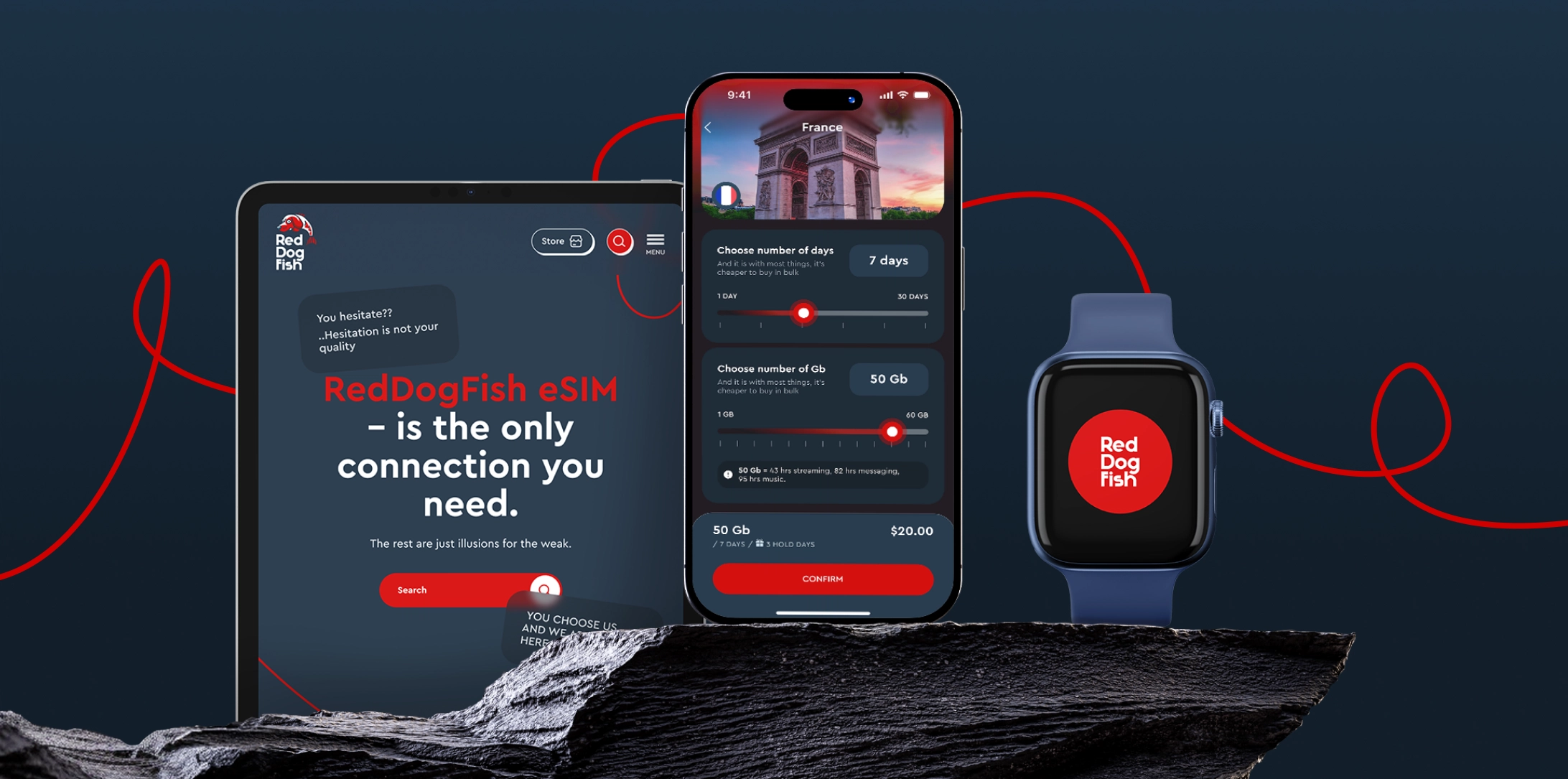
RedDogFish is fully compatible with Apple eSIM-supported devices.
One-time eSIM installation
Multiple travel plans on the same eSIM
Automatic plan activation when you enter the destination country
Stable 4G/5G on the best local networks
No roaming, no contracts
You install the RedDogFish eSIM once and keep using it for multiple trips — as long as it stays active.
To avoid mistakes, keep these points in mind:
RedDogFish eSIMs are single-installation only. Do not delete them after activation — deleted eSIMs cannot be restored.
You cannot move an eSIM from one iPhone to another.
Each plan lasts up to 30 days.
Your RedDogFish eSIM stays active for 12 months from your last purchase. If you don’t buy a new plan within a year, it expires.
Feature | Apple eSIM | SIM Card |
|---|---|---|
Installation | Digital, instant | Manual, physical |
International travel | Seamless | Often expensive |
Dual SIM | Yes | Limited |
Roaming fees | Avoidable | Common |
SIM swapping | Not needed | Required |
For modern Apple users, eSIM is simply the smarter choice.
Apple eSIM is perfect for:
International travelers
Families on holiday
Digital nomads
Business travelers
Students studying abroad
Anyone with an iPhone XS / XS Max / XR and all newer models
If you travel even once a year, eSIM makes your life easier.
Apple implemented eSIM to remove friction. RedDogFish takes it further — removing roaming fees, SIM swaps, and connection stress.
One Apple device. One eSIM installation. Multiple countries. Total control.
Get your RedDogFish travel eSIM Made for travel. Ready for the world.
Read more
All articleseSIM Not Working? Causes, Common Issues, and Quick Fixes — RedDogFish
Is your eSIM not working on iPhone or Android? In 90% of cases, issues can be fixed in minutes. Common causes and step-by-step solutions are explained here.
Global eSIM — One eSIM for Travel Across Multiple Countries
Discover Global eSIM with RedDogFish. One eSIM for multiple destinations, no need to buy a new SIM each trip. Travel connected worldwide.
eSIM for Travel and Business Trips — why RedDogFish is the better choice
RedDogFish eSIM provides fast and reliable mobile internet for travel and business trips. Full control in your phone: activation in minutes, hold option — no extra costs.
Why Roaming Is a Pain — Costly, Unpredictable & Outdated
Traditional roaming is expensive, slow, and frustrating. Learn why roaming fails travelers — and discover a smarter alternative with travel eSIM.
January’s Biggest Global Events for Travelers - RedDogFish
Your guide to the top January events, from tennis and tech to film and extreme sports. Stay connected every step with RedDogFish eSIM.
How to Delete an eSIM on iPhone — What Happens If You Do
Learn how to delete an eSIM on iPhone and why you usually shouldn’t. Accidentally deleted eSIM? Read this before removing your eSIM.
Best International eSIM for Travel — Fast, Easy & Roaming-Free
Looking for an international eSIM for travel? Get fast, secure, roaming-free data in 190+ countries. RedDogFish — the best international eSIM for iPhone & Android.
Best Holiday eSIM — Stay Connected on Christmas & New Year Trips
Looking for a holiday eSIM? Get fast, secure, roaming-free data for Christmas and New Year travel. RedDogFish eSIM — instant activation and global coverage.
The Portuguese Way — Walking from Lisbon to Santiago de Compostela
Discover the Portuguese Way of the Camino de Santiago — a pilgrimage from Lisbon or Porto to Spain. Stay connected along the route with RedDogFish eSIM.
How to Change Your eSIM Plan — RedDogFish Smart Travel Guide
Learn how RedDogFish eSIM works: one-time installation, multiple travel plans, and 12-month validity. Manage data anywhere — no reinstall needed.
Christmas Magic with Kids — 7 Unforgettable Family Adventures
Discover the best family Christmas trips worldwide — Vienna, Dubai, Prague, Hong Kong & more. Stay connected with RedDogFish eSIM.
How Not to Mess Up Christmas — The Rebel’s Guide to Travel Freedom
Skip the chaos, stay connected, and make Christmas unforgettable. Discover RedDogFish eSIM — freedom to travel, share, and explore anywhere.
RedDogFish at Web Summit 2025 — Platinum Partner & Free eSIM
RedDogFish joins Web Summit 2025 in Lisbon as a Platinum Partner. Get your free 1GB/1Day eSIM with promo code free_portugal and stay connected.
eSIM vs SIM Card — What’s the Difference & Which Is Better?
Compare eSIM vs SIM card. Discover why RedDogFish eSIM is faster, safer, and smarter for travelers — tap or scan to connect anywhere instantly.
Spain’s Hidden Magic — 5 Fairytale Places to Discover
Discover 5 hidden gems in Spain — Ronda, Gulpiyuri, Albarracín, Ribeira Sacra, and Besalú. Travel freely and stay connected with a RedDogFish eSIM.
Europe eSIM Plans — Customize Your Own RedDogFish Package
Travel freely in Europe with RedDogFish. Customize your eSIM data plan, pay only for what you use, and enjoy seamless 4G/5G across multiple countries.
6 Myths About eSIM — The Truth from RedDogFish
Discover the truth behind common eSIM myths. Learn how RedDogFish makes global connectivity simple, secure, and affordable — tap or scan to get started.
Turkey eSIM Ban: How Travelers Can Stay Connected in 2025
Turkey has blocked major global eSIM providers and VPN services. Learn why you should buy and install your Turkey eSIM before arrival to avoid connectivity issues.
5 Countries Where eSIM Is a Must-Have for Travelers | RedDogFish
Discover the top 5 countries where eSIM is no longer an option but a must-have for seamless internet. Stay connected with RedDogFish and travel without limits.
How to Use an eSIM: A Simple Guide for iPhone and Other Devices
Learn how to use an eSIM on iPhone and other phones. Find out how to activate an eSIM card, which phones support it, and how to get started with RedDogFish.
How to Get an eSIM Card for Mobile Internet: The Ultimate Guide
Learn how to get an eSIM card quickly and easily. Discover the benefits of mobile internet with eSIM from RedDogFish and get connected in minutes.