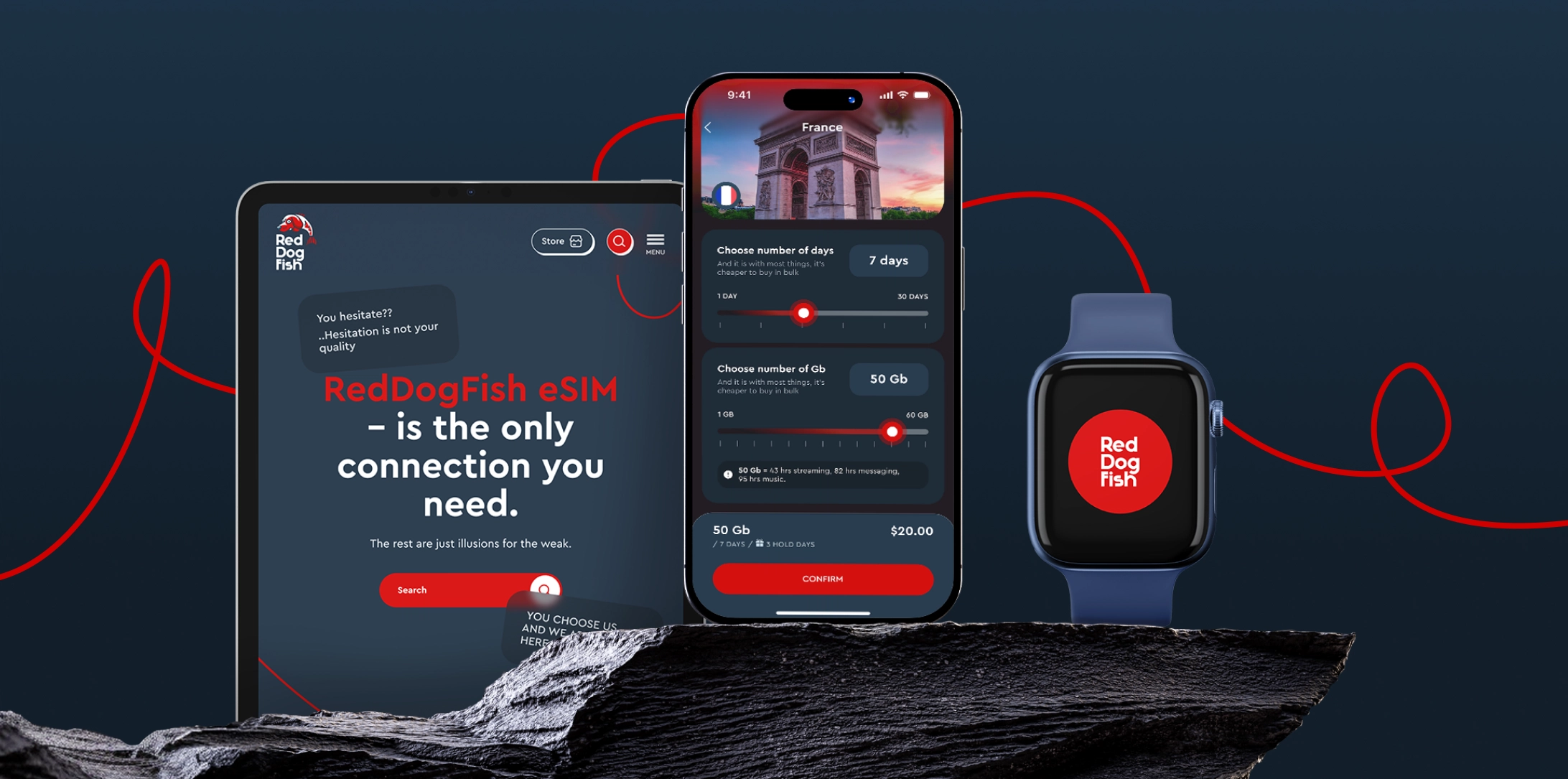
Global eSIM — One eSIM for Travel Across Multiple Countries
Discover Global eSIM with RedDogFish. One eSIM for multiple destinations, no need to buy a new SIM each trip. Travel connected worldwide.
2 February 2026
5-min read
You bought an eSIM, installed it, landed in another country, but still have no connection. This is an unpleasant situation, but in 90% of cases, it can be resolved in a few minutes. Most problems are not related to malfunctions, but to the specifics of configuring your smartphone for foreign networks.
In this article, we will figure out how to quickly get back online and what to check before you start your trip.
Before purchasing an eSIM, it is important to make sure that your smartphone supports eSIM technology. Not all new devices have this feature.
Make sure your smartphone is on the list of compatible models on the RedDogFish website.
Or enter the combination *#06# on your smartphone. If the list includes an EID identifier, your phone is ready to work with eSIM.
Check the settings menu. On the iPhone, it's Settings → Cellular. On Android, it's Network & Internet → SIM cards. If there is an “Add eSIM” option, everything is fine.
Important: iPhones sold in mainland China do not support eSIM. In Hong Kong and Macau, eSIM is only available on certain iPhone models. If your iPhone was purchased in one of these countries, be sure to check its compatibility with eSIM before activation.
For travel eSim, data transfer is only possible when roaming is turned on. This is a technical feature of working through foreign partners.
Solution: Go to your eSIM settings and turn the “Data Roaming” switch to ON. There will be no additional charges from your main number if you have selected the correct line for data transfer.
When there are two cards in the phone (main and eSIM), the smartphone may get confused about which one to use for Internet access.
Solution: In the “Mobile Data” section, force your travel eSIM to be the main one for the Internet.
Restarting is a simple but effective step. After a long flight and changing many communication towers, the phone modem needs a “soft” reset to register correctly in the new region.
If you see a signal but no internet connection, check if your data package has been used up by background app updates.
Never delete your eSIM profile if it is not working. Since you cannot rescan the same QR code, you may lose your paid tariff. Any deletion should only be done on the direct instructions of customer support. You can also read the article on what you need to know before deleting your eSIM.
Data roaming is enabled.
eSIM is selected for the internet.
You are physically located in the country where the tariff is valid.
The phone was restarted after landing.
You have tried manual network selection.
If these steps do not help, take screenshots of your settings and remaining traffic — this will help support resolve your issue immediately.
eSIMs make international connectivity easier and more affordable — but small issues can still happen. The most common problems travelers face — activation delays, no signal, slow or missing mobile data, disabled profiles, or dual-SIM conflicts — are usually minor and easy to fix. In most cases, the issue comes down to simple things: data roaming turned off, the wrong data line selected, or activating too early — not a serious technical problem.
A bit of preparation and basic troubleshooting go a long way. Double-checking settings, following setup instructions carefully, and restarting your device can sometimes prevent most disruptions and keep you connected — even on multi-country trips.
Stay connected and control your data — wherever you land.
Read more
All articlesGlobal eSIM — One eSIM for Travel Across Multiple Countries
Discover Global eSIM with RedDogFish. One eSIM for multiple destinations, no need to buy a new SIM each trip. Travel connected worldwide.
eSIM for Travel and Business Trips — why RedDogFish is the better choice
RedDogFish eSIM provides fast and reliable mobile internet for travel and business trips. Full control in your phone: activation in minutes, hold option — no extra costs.
Why Roaming Is a Pain — Costly, Unpredictable & Outdated
Traditional roaming is expensive, slow, and frustrating. Learn why roaming fails travelers — and discover a smarter alternative with travel eSIM.
Apple eSIM Compatibility — iPhone, iPad & Apple Watch Guide
Learn which Apple devices support eSIM. iPhone, iPad and Apple Watch compatibility explained — and how RedDogFish eSIM works for travel.
January’s Biggest Global Events for Travelers - RedDogFish
Your guide to the top January events, from tennis and tech to film and extreme sports. Stay connected every step with RedDogFish eSIM.
How to Delete an eSIM on iPhone — What Happens If You Do
Learn how to delete an eSIM on iPhone and why you usually shouldn’t. Accidentally deleted eSIM? Read this before removing your eSIM.
Best International eSIM for Travel — Fast, Easy & Roaming-Free
Looking for an international eSIM for travel? Get fast, secure, roaming-free data in 190+ countries. RedDogFish — the best international eSIM for iPhone & Android.
Best Holiday eSIM — Stay Connected on Christmas & New Year Trips
Looking for a holiday eSIM? Get fast, secure, roaming-free data for Christmas and New Year travel. RedDogFish eSIM — instant activation and global coverage.
The Portuguese Way — Walking from Lisbon to Santiago de Compostela
Discover the Portuguese Way of the Camino de Santiago — a pilgrimage from Lisbon or Porto to Spain. Stay connected along the route with RedDogFish eSIM.
How to Change Your eSIM Plan — RedDogFish Smart Travel Guide
Learn how RedDogFish eSIM works: one-time installation, multiple travel plans, and 12-month validity. Manage data anywhere — no reinstall needed.
Christmas Magic with Kids — 7 Unforgettable Family Adventures
Discover the best family Christmas trips worldwide — Vienna, Dubai, Prague, Hong Kong & more. Stay connected with RedDogFish eSIM.
How Not to Mess Up Christmas — The Rebel’s Guide to Travel Freedom
Skip the chaos, stay connected, and make Christmas unforgettable. Discover RedDogFish eSIM — freedom to travel, share, and explore anywhere.
RedDogFish at Web Summit 2025 — Platinum Partner & Free eSIM
RedDogFish joins Web Summit 2025 in Lisbon as a Platinum Partner. Get your free 1GB/1Day eSIM with promo code free_portugal and stay connected.
eSIM vs SIM Card — What’s the Difference & Which Is Better?
Compare eSIM vs SIM card. Discover why RedDogFish eSIM is faster, safer, and smarter for travelers — tap or scan to connect anywhere instantly.
Spain’s Hidden Magic — 5 Fairytale Places to Discover
Discover 5 hidden gems in Spain — Ronda, Gulpiyuri, Albarracín, Ribeira Sacra, and Besalú. Travel freely and stay connected with a RedDogFish eSIM.
Europe eSIM Plans — Customize Your Own RedDogFish Package
Travel freely in Europe with RedDogFish. Customize your eSIM data plan, pay only for what you use, and enjoy seamless 4G/5G across multiple countries.
6 Myths About eSIM — The Truth from RedDogFish
Discover the truth behind common eSIM myths. Learn how RedDogFish makes global connectivity simple, secure, and affordable — tap or scan to get started.
Turkey eSIM Ban: How Travelers Can Stay Connected in 2025
Turkey has blocked major global eSIM providers and VPN services. Learn why you should buy and install your Turkey eSIM before arrival to avoid connectivity issues.
5 Countries Where eSIM Is a Must-Have for Travelers | RedDogFish
Discover the top 5 countries where eSIM is no longer an option but a must-have for seamless internet. Stay connected with RedDogFish and travel without limits.
How to Use an eSIM: A Simple Guide for iPhone and Other Devices
Learn how to use an eSIM on iPhone and other phones. Find out how to activate an eSIM card, which phones support it, and how to get started with RedDogFish.
How to Get an eSIM Card for Mobile Internet: The Ultimate Guide
Learn how to get an eSIM card quickly and easily. Discover the benefits of mobile internet with eSIM from RedDogFish and get connected in minutes.