A small chip, a big shift in how we travel
So what is eSIM, and why is everyone in the airport lounge suddenly talking about it? An eSIM is a tiny chip already soldered inside your phone that does the same job as the plastic SIM card you've been popping in and out for years. The "e" stands for embedded, which is a fancy way of saying you can't lose it under your hotel bed.
Travelers hear about it and ask what is eSIM because it lets you switch carriers without hunting down a kiosk or jabbing a paperclip into your phone. You buy a plan online, install it in a couple of minutes, and you're connected. That's the whole pitch, and the rest of this guide unpacks what's happening under the hood.
How an embedded SIM works
An embedded sim stores your carrier details as software rather than on a piece of plastic you can hold. The chip is rewritable, so a new carrier can send you a profile and your phone treats it the same way it would treat a freshly inserted SIM card. According to a GSMA specification overview, the standard was designed for remote provisioning of any mobile device, which is the technical phrase for "you don't need to visit a shop."
The activation looks like this:
-
You buy a plan from a carrier or a travel eSIM provider.
-
They email you a QR code or a one-tap install link.
-
Your phone scans the code and downloads the profile before it asks you to confirm a few settings.
Most modern phones can hold several profiles at once. The ITU notes that eSIM "allows consumers to store multiple profiles on a device simultaneously, and switch between them remotely, though only one can be used at a time." In practice, that means a home profile and one for your trip to Lisbon. The profile from last year's Tokyo layover can sit in the same settings menu too.
eSIM vs physical SIM
The two formats do the same job. They authenticate your phone with a carrier so your mobile service works for communication and internet access. The difference is what the daily experience feels like once you're actually on the road.
Setup and activation
A physical SIM means you buy a card from your home carrier weeks before you leave or find one after you arrive. After you wait for it, you pop the tray and hope you didn't drop the ejector pin into the seat cushion. Activation sometimes takes a few minutes and sometimes a few hours because the local network sets the pace.
An embedded sim skips that entirely. You can buy a plan from your couch the night before your flight and have data the moment your plane lands, after you scan a QR code and turn off airplane mode. For anyone arriving in Bangkok at 2 a.m. with no idea where the nearest 7-Eleven SIM counter is, that's the difference between texting your driver right away and standing under the arrivals sign reading roaming warnings.
Switching carriers and plans
With a physical card, switching carriers means handling something the size of your pinky nail and praying you don't lose it between the seat pocket and customs. If you're asking what is eSIM, the practical answer is that an eSIM lets you switch in your phone's settings the same way you'd toggle Wi-Fi networks.
Apple's iPhone 13 family introduced the ability to use two eSIMs at the same time, and newer Pixels store eight or more profiles. That matters on multi-country trips, because you can keep your home number active for two-factor codes and bank alerts while a travel plan handles data. No more missed verification texts because you swapped your card out somewhere over the Atlantic.
Security and reliability
An eSIM can't fall out of the tray or be pulled out by a thief who wants to lock you out of your own number. If your phone is stolen, the SIM profile is still tied to the device and harder to repurpose. Physical SIMs and their trays wear down, and the little spring inside the slot is a known weak point on older phones.
Both formats are reliable when they work. The honest difference is that an eSIM removes a small set of physical failure points without adding new ones you'd notice day to day.
How to get eSIM on your phone
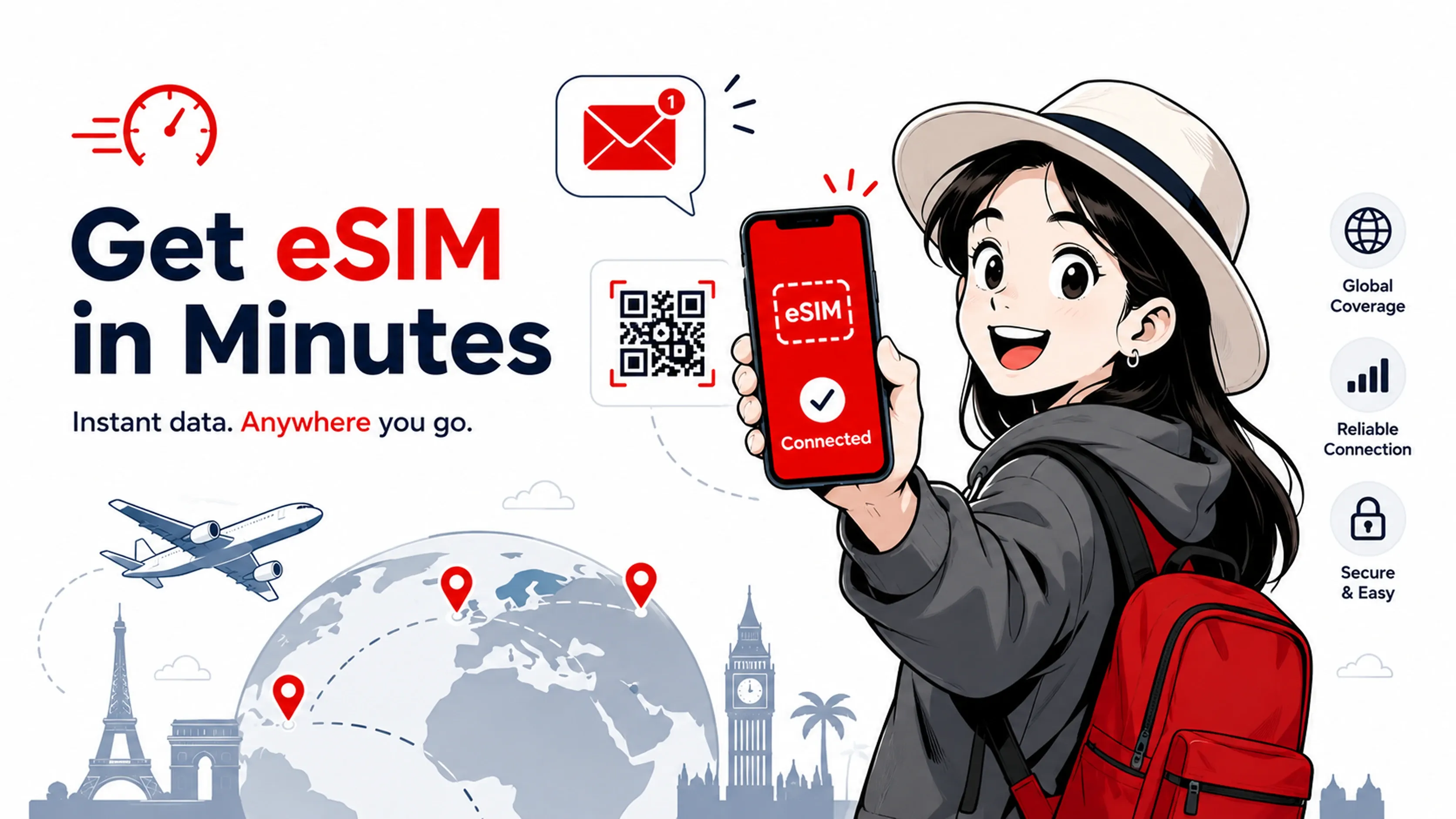
The first step in how to get eSIM working is checking whether your phone supports it. According to Forbes Advisor's compatibility list, eSIM is supported on the iPhone XR and every iPhone since. The same list includes Google Pixel 3 and later plus Samsung Galaxy S20 models and newer. If you bought your phone in the last five years from a major brand, the odds are in your favor.
To confirm, open Settings, then look under Cellular or Mobile Network for an option that says "Add eSIM" or "Add Data Plan." If it's there, you're set. On iPhones bought in the US after September 2022, you don't even have the choice of a physical SIM. Apple removed the tray entirely starting with the iPhone 14, and Google followed with the US version of the Pixel 10.
Once you've confirmed compatibility, the typical purchase flow is short:
-
Pick your destination, then set how many days and how much data you need.
-
Pay - you'll receive your eSIM by email.
-
Scan the QR code and follow the prompts.
The whole thing takes less time than ordering a coffee. If you've ever set up a Wi-Fi printer, this is easier.
Why eSIM suits travelers
When travelers ask what is eSIM, the travel use case is where eSIM stops being a tech curiosity and starts being a small quality-of-life upgrade. Skip the airport SIM counter and the broken Google Translate conversation with the clerk. Once you land and switch profiles, you have data.
It also kills roaming surprises. A TechCrunch report on eSIM adoption notes that global eSIM uptake will cross 5% this year, with travel as the main driver, partly because travelers are tired of opening their phone bill to find a $400 charge from a single weekend in Switzerland. Buying a local data plan ahead of time is cheaper and predictable.
A few reasons frequent travelers stick with it once they try it:
-
Your home number stays active, so banking codes and family calls keep coming through.
-
You can install plans for several countries before you leave and switch as you cross borders.
-
If you change plans mid-trip, you do it on the train instead of at a shop.
The technology has been around for a decade, but as GSMA data shared via TechCrunch shows, more than 60 eSIM-enabled smartphones launched in the first half of 2025 alone. The infrastructure caught up with the use case, which is why travel agents and digital nomads are now treating it as the default.
Getting started with RedDogFish
If you're still wondering what is eSIM going to do for your next trip, the easiest way to answer that is to try one. RedDogFish offers travel eSIM plans built around destinations rather than confusing data tiers, so you pick where you're going and the plan handles the rest. You install it the same way you would any embedded sim, by scanning a QR code we email after checkout.
The plans cover the situations most travelers actually hit, from a week in one country to a longer route across a region. We do that work in advance and narrow the choice to the plan that fits.
If you're curious about how to get eSIM ready before a flight without overthinking it, browsing our destination plans takes about two minutes and gives you a sense of pricing for the places you visit most.
Final thoughts
An eSIM is a built-in, digital version of the SIM card you already understand. The only real change is that you stop carrying the card and start downloading a profile. Everything else, calls, texts, data, mobile banking, works the way it always has.
For anyone asking what is eSIM in practice, you don't need to be technical to use one. A compatible phone and a working Wi-Fi connection are enough if you have a few minutes. If your next trip is coming up and you're weighing roaming charges against the airport SIM line, this is the moment to skip both.
Ready to see what is eSIM like in practice? Browse RedDogFish travel plans and install your first eSIM before you pack your bag.