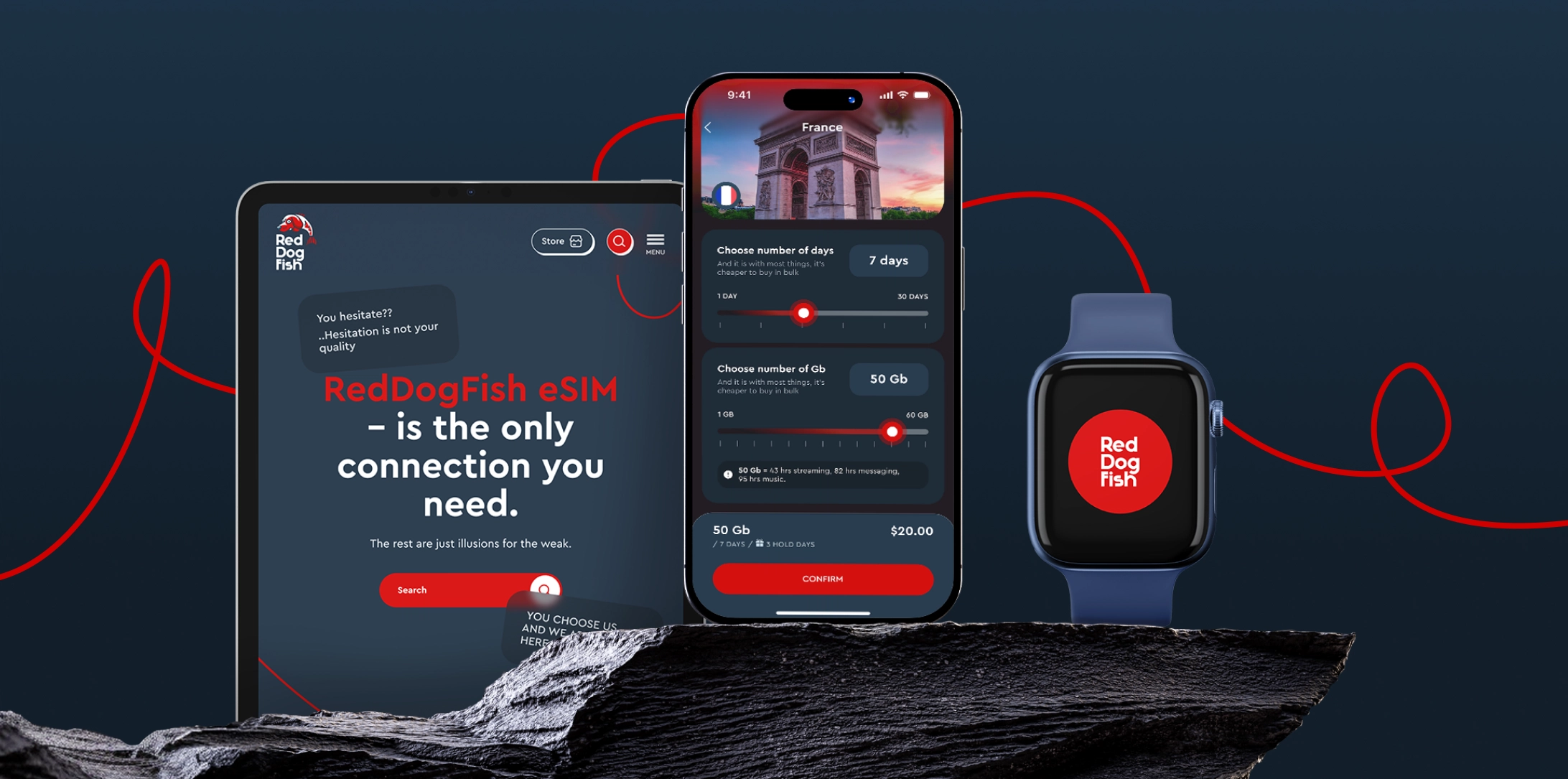
eSIM de viaje: cómo usarla en 2025 y por qué te encantará
Así que has oído hablar de la tecnología eSIM, o incluso ya has comprado una, pero ahora te preguntas:
¿Cómo se usa realmente una eSIM?
¿Cuál es la diferencia entre una eSIM y una tarjeta SIM física?
¿Y cómo usar una eSIM en iPhone u otros teléfonos?
No estás solo. A medida que el uso de eSIM de viaje crece en todo el mundo, más usuarios hacen estas preguntas. En esta guía explicaremos:
Cómo usar una eSIM paso a paso
Cómo usar una eSIM en iPhone
Qué teléfonos soportan eSIM
Cómo usar una eSIM solo para internet móvil
Por qué RedDogFish es una de las mejores opciones para datos rápidos con eSIM
Vamos a entrar en detalle.
Qué es una eSIM y cómo se usa
eSIM significa “SIM integrada”. A diferencia de una tarjeta SIM física, una eSIM es un pequeño chip integrado en tu teléfono o tableta. Cumple la misma función —dar acceso a la red móvil— pero sin necesidad de insertar nada.
Entonces, ¿cómo se usa una eSIM?
Escaneando un código QR o usando un código de activación de tu proveedor. Todo el proceso es digital, instantáneo e inalámbrico.
Sin envíos. Sin tarjetas plásticas. Sin visitas a una tienda.
Si usas RedDogFish, puedes obtener tu eSIM de viaje en minutos y conectarte a internet móvil en más de 190 países.
Cómo usar una eSIM: pasos generales para cualquier dispositivo
Aquí tienes una guía universal paso a paso para comprender cómo usar una eSIM en smartphones y tabletas modernas:
1. Comprueba si tu dispositivo es compatible
Antes de usar una eSIM, asegúrate de que tu dispositivo es compatible. ¿Quieres saber qué teléfonos pueden usar eSIM? Mira abajo — tenemos una lista completa.
2. Elige un proveedor
Para usar una eSIM, necesitas comprar un plan de datos. RedDogFish ofrece eSIMs prepago para internet móvil — sin contratos, solo datos rápidos y fiables.
3. Recibe tu eSIM
Después de comprar tu eSIM, recibirás un código QR o datos de activación por correo electrónico. Esto permite instalar el perfil de eSIM en tu dispositivo.
4. Activa la eSIM
Toca o escanea el código QR y tu eSIM estará lista en minutos. No hace falta reiniciar — conexión instantánea.
Cómo usar una eSIM en iPhone
Una gran parte de los usuarios pregunta: ¿cómo usar una eSIM en iPhone?
Aquí tienes una guía rápida:
Compra online en RedDog.fish
Recibe un código QR al instante
Toca o escanea el código QR
Activa la eSIM
¡Listo! Ya estás conectado.
Ahora tu eSIM de viaje estará activa y podrás usar internet móvil inmediatamente. Si aún tienes dudas, visita nuestra guía de instalación.
Consejo: Puedes usar tu eSIM de RedDogFish para datos y mantener tu SIM principal para llamadas.
iPhones compatibles:
La mayoría de iPhones desde el XR/XS en adelante soportan eSIM. Incluye:
iPhone XR, XS, XS Max
iPhone series 11, 12, 13, 14 y 15
iPhone SE (2ª y 3ª generación)
Todos los iPhones vendidos en EE.UU. desde el iPhone 14 son solo eSIM
Cómo usar una eSIM en Android
En Android, usar una eSIM depende del fabricante, pero el proceso es similar:
Compra en RedDog.fish
Recibe tu código QR al instante
Toca o escanea el QR para instalar
Activa la eSIM
¡Y ya estarás conectado con tu eSIM de viaje! Si tienes preguntas adicionales, visita nuestra guía de instalación.
Teléfonos que soportan eSIM:
Google Pixel 3 y más nuevos
Samsung Galaxy S20 y posteriores, Z Fold, Z Flip
Motorola Razr 5G, algunos modelos Sony Xperia
Muchas tablets y laptops Android recientes
Usar una eSIM para internet móvil
Las eSIM de viaje de RedDogFish están diseñadas para:
Viajeros que necesitan internet al aterrizar
Trabajadores remotos que necesitan datos fiables en el extranjero
Cualquiera que quiera una segunda conexión sin cambiar SIMs
Sin número de teléfono. Sin configuraciones complicadas. Solo internet rápido y flexible.
Cómo usar una eSIM de RedDogFish:
Paga online de forma segura
Recibe tu eSIM por correo al instante
¡Escanea y conéctate!
Preguntas comunes sobre el uso de una eSIM de viaje
P: ¿Cómo usar una eSIM si ya tengo una SIM física instalada?
R: Puedes usar ambas a la vez. Solo elige qué SIM usar para datos, llamadas o mensajes en los ajustes.
P: ¿Puedo mover una eSIM entre dispositivos?
R: Normalmente las eSIM están vinculadas a un dispositivo. Si cambias de teléfono, puede que necesites un nuevo QR o reinstalar. RedDogFish permite reinstalación — solo contacta soporte.
P: ¿Cómo desactivo o elimino una eSIM?
R: Ve a Ajustes móviles, selecciona la eSIM y presiona Eliminar o Borrar plan móvil.
P: ¿Qué pasa si pierdo mi teléfono con la eSIM?
R: Con RedDogFish, podemos ayudarte a reinstalar tu eSIM en un nuevo teléfono. Solo contacta a nuestro equipo de soporte.
Resumen: Cómo usar una eSIM de viaje en 2025
Comprueba la compatibilidad del dispositivo
Compra un plan y recibe el QR
Toca o escanea el QR
Empieza a usar internet móvil al instante
¿Por qué usar una eSIM de viaje de RedDogFish?
Funciona en más de 190 países
Configuración instantánea con código QR
Sin contratos, sin tarifas ocultas
Perfecta para viajes cortos, estancias largas o trabajo remoto
Ya sea que quieras saber cómo usar una eSIM o cómo usar una eSIM en iPhone, el proceso es simple — y RedDogFish lo hace aún más fácil.
¿Listo para usar tu eSIM?
Empezar es rápido, fácil y fiable con RedDogFish.
Compra tu eSIM hoy y obtén internet móvil en minutos.